List
An ordered, unordered, or custom icon list, available only as a shortcode with no WPBakery mapping.
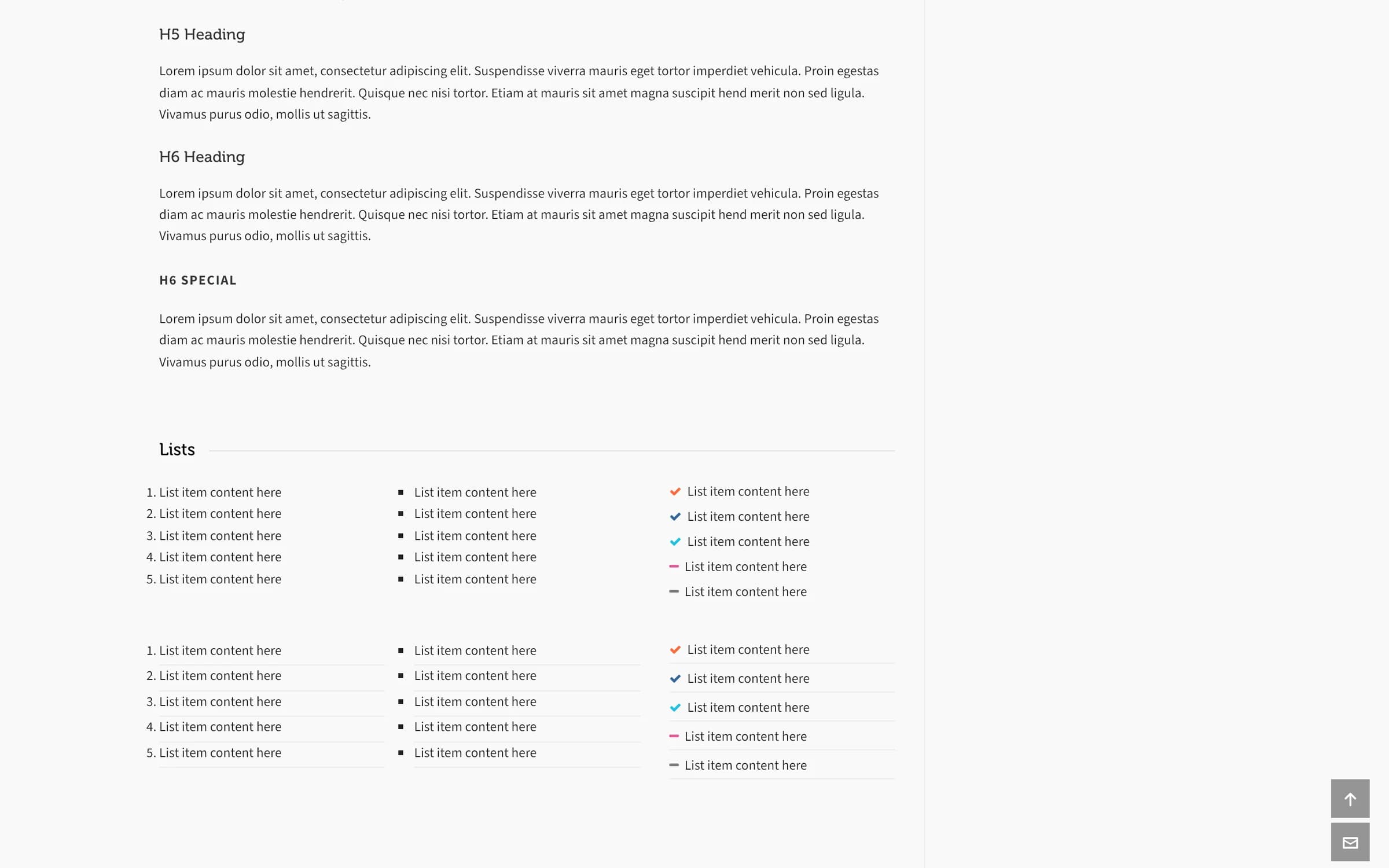
list and list_item build a styled list: numbered, bulleted, or with a custom icon in front of each item. There's no WPBakery mapping; use them as shortcodes.
The Icon List element builds lists with checks, numbers or any icon in WPBakery, stacked, in columns or inline. The shortcodes on this page still work as before.
Add it
Lists are shortcode-only. Type them directly, or use the Highend Shortcode Generator button in the Classic Editor toolbar, which opens a List form and inserts a list shortcode pre-filled with five list_item placeholders.
The list shortcode
Wraps one or more list_items.
Prop
Type
The list_item shortcode
Each item inside a list.
Prop
Type
icon and color work on any list_item, but they're only meant for use inside a type="icon" list; adding an icon to an item in an ordered or unordered list shows it next to the number or bullet rather than replacing it.
Shortcode
[list type="icon" lined="no"]
[list_item icon="icon-ok" color="#ff6838"]Fast setup[/list_item]
[list_item icon="icon-ok" color="#336699"]Responsive design[/list_item]
[list_item icon="icon-minus" color="#777777"]No coding required[/list_item]
[/list]
Each item's text is the content between [list_item] and [/list_item], not an attribute.